Devices
The Devices view lists every phone or tablet that has signed in. For each device you can see its name, when it was last seen, and its status.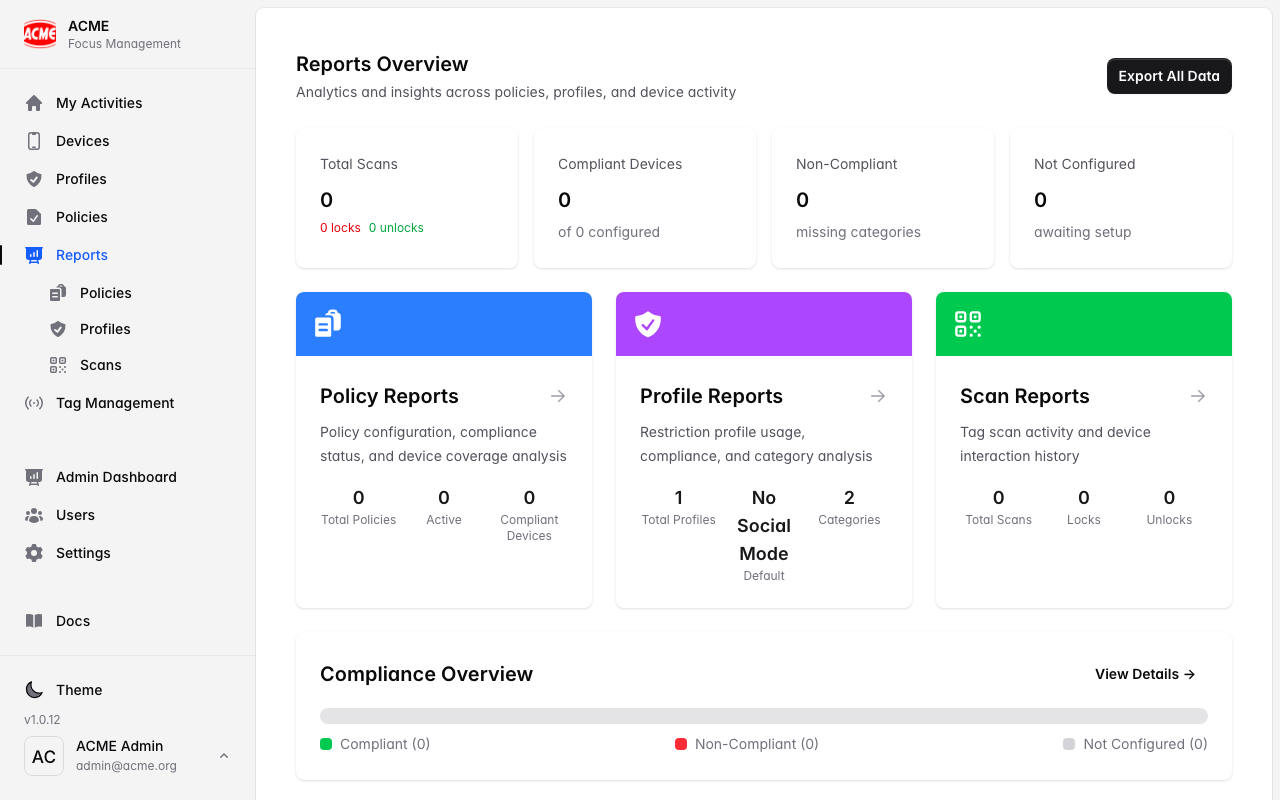
Scan events
Every scan is logged as a scan event with:Scan actions
LOCK
A focus session started.
UNLOCK
A session ended by scanning the same tag that started it.
CLEARED
A session ended using a different tag than the one that started it.
Why CLEARED matters: counting
CLEARED events tells you how often people didn’t return to the original tag to finish — useful for understanding behaviour and placing tags better.Useful things to look at
How much focus time is happening
How much focus time is happening
Look at the volume of LOCK events over time and by location.
Sessions ended away from the tag
Sessions ended away from the tag
Track CLEARED events to see where people wander off before unlocking.
Adoption
Adoption
See how many devices are active and scanning.
Reporting reflects scans across all users in your organisation, scoped privately to your organisation only. FocusFlow never records app content — just the scan itself (which tag, when, and the action).